Scantivo Smart Upload
PDF too large?Not anymore!
You choose your PDF. Scantivo prepares a smaller copy.1
From scanned document to attachment, with your original unchanged.
- Original preserved
- Prepared on your device
- You control the upload
Scantivo Smart Upload
It’s this simple
From the PDF in your library to a file accepted by the website1
A preview on iPhone
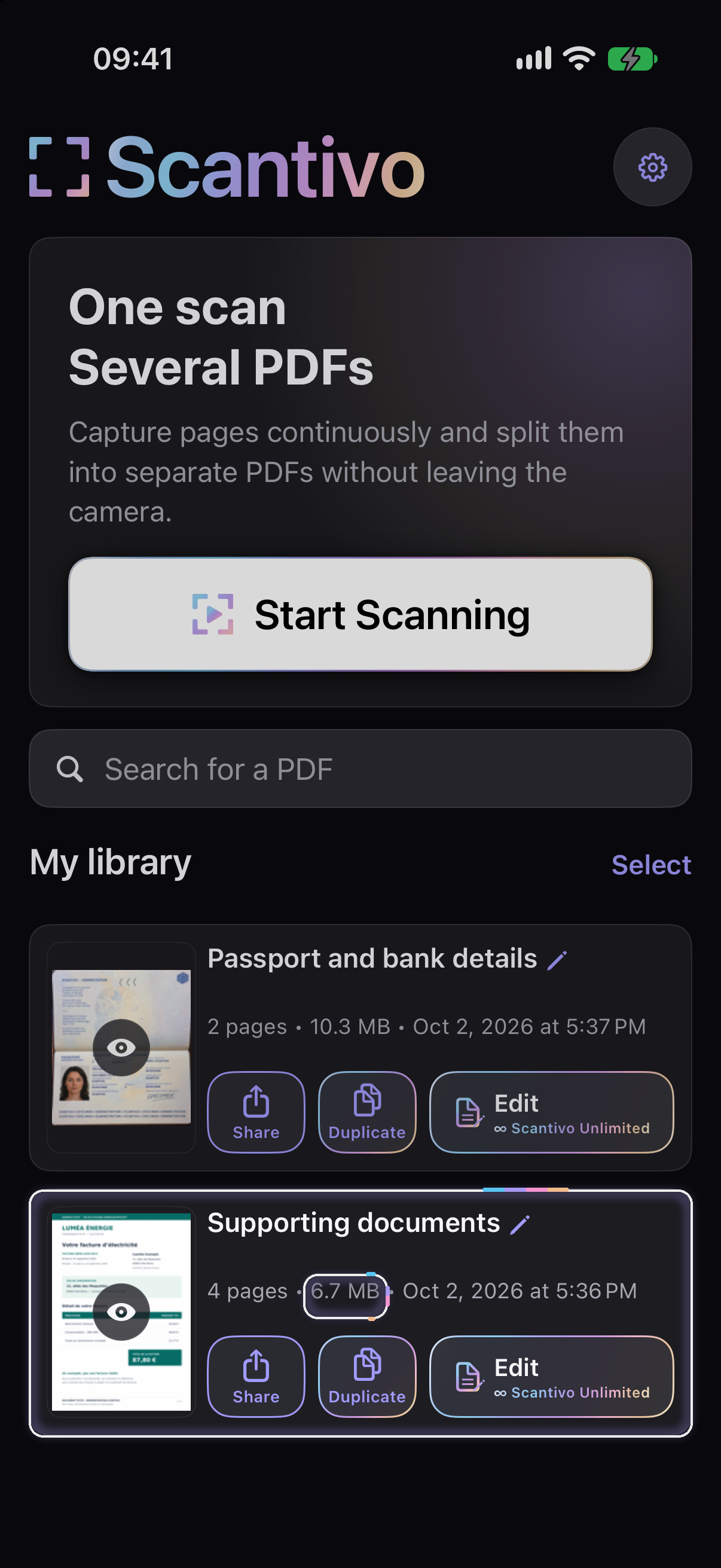
Your PDF, already there
The original stays intact in your library.
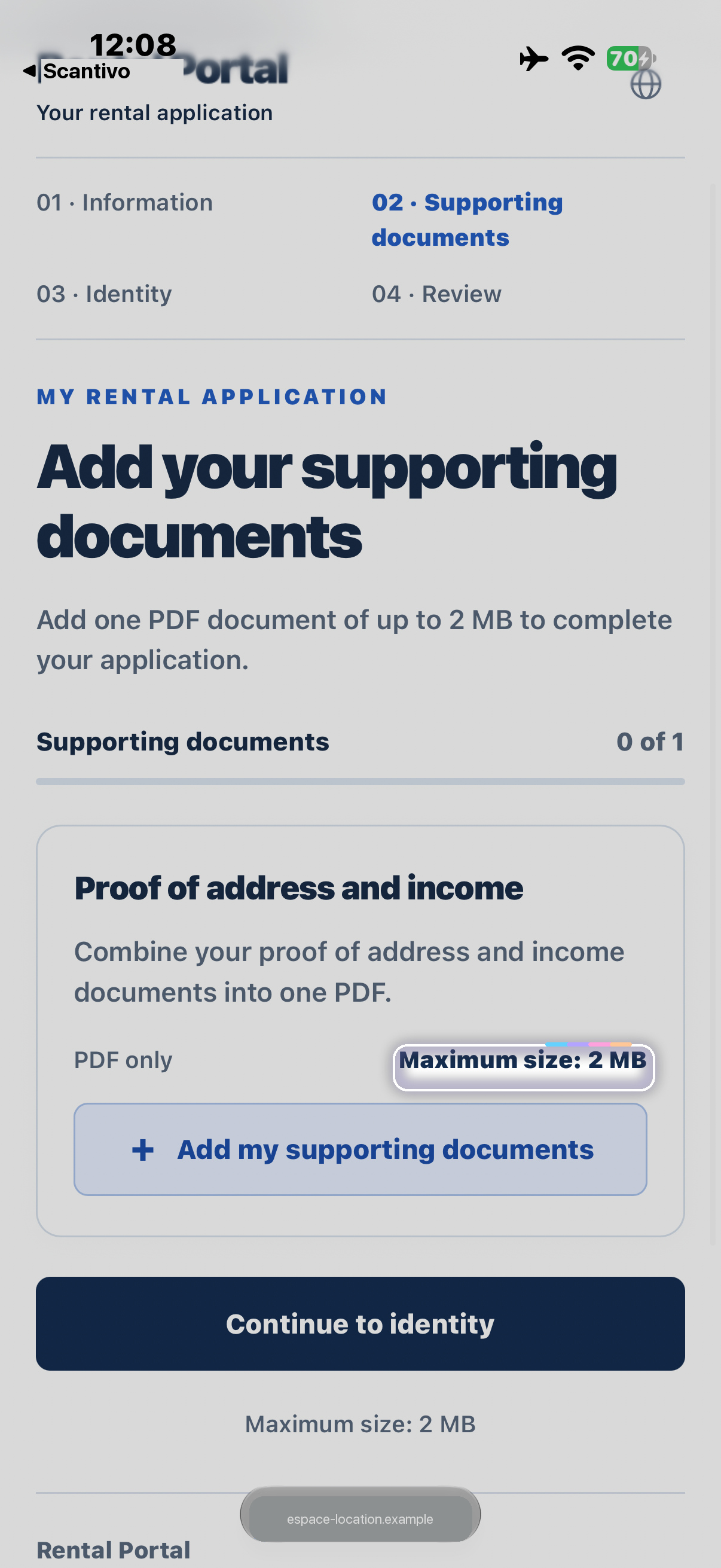
A size limit?
The website asks for a file no larger than 2 MB.
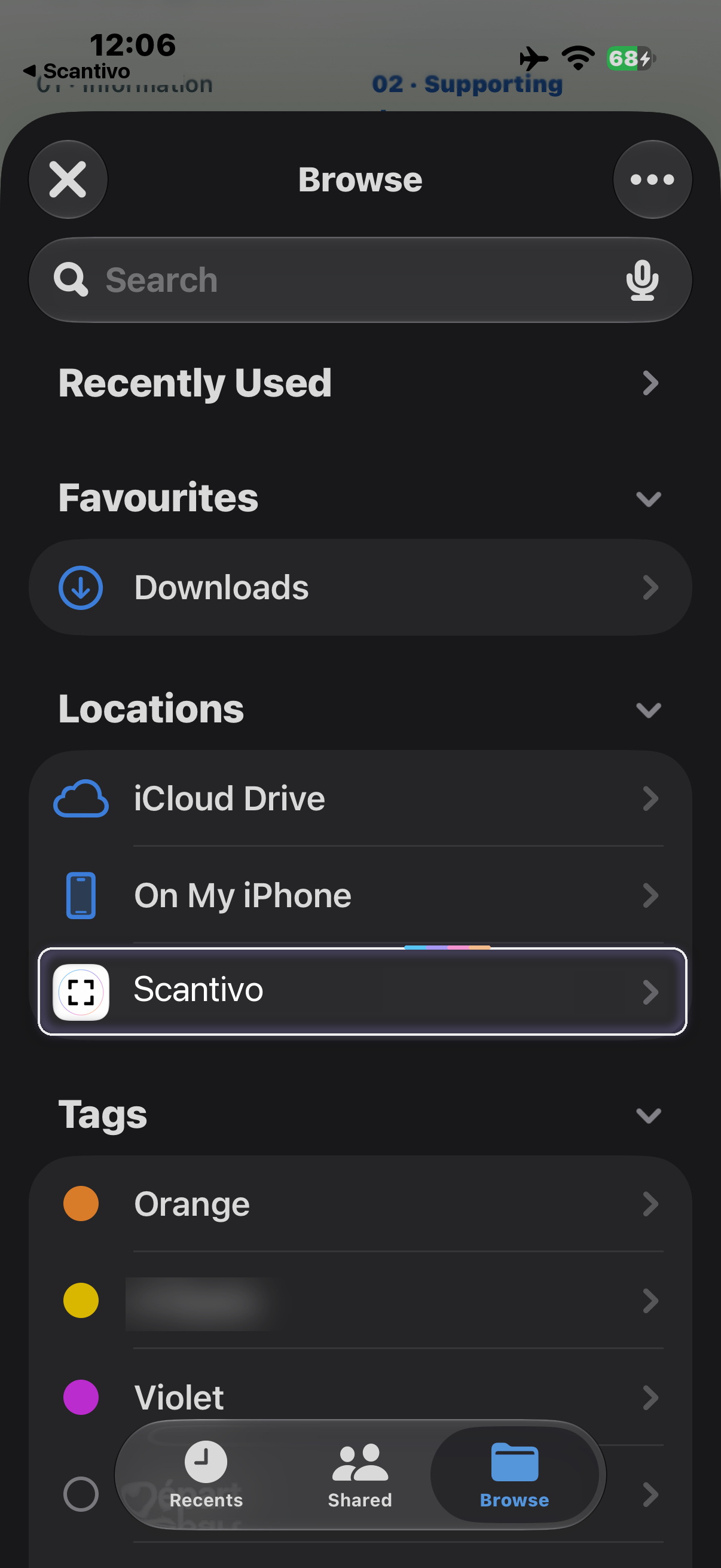
Scantivo, at your fingertips
Find your PDFs where you attach your files.
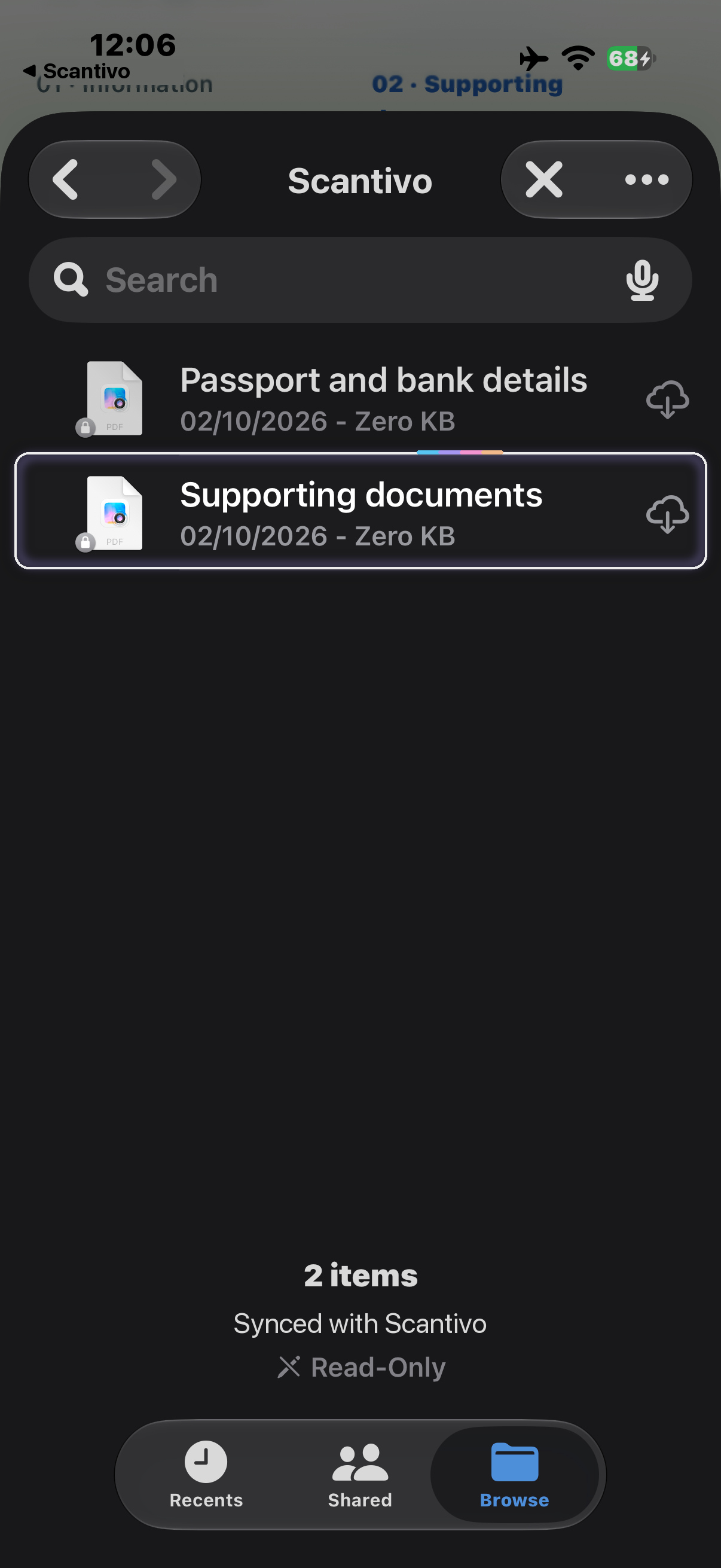
The right document
You choose it. Scantivo Smart Upload prepares the copy.
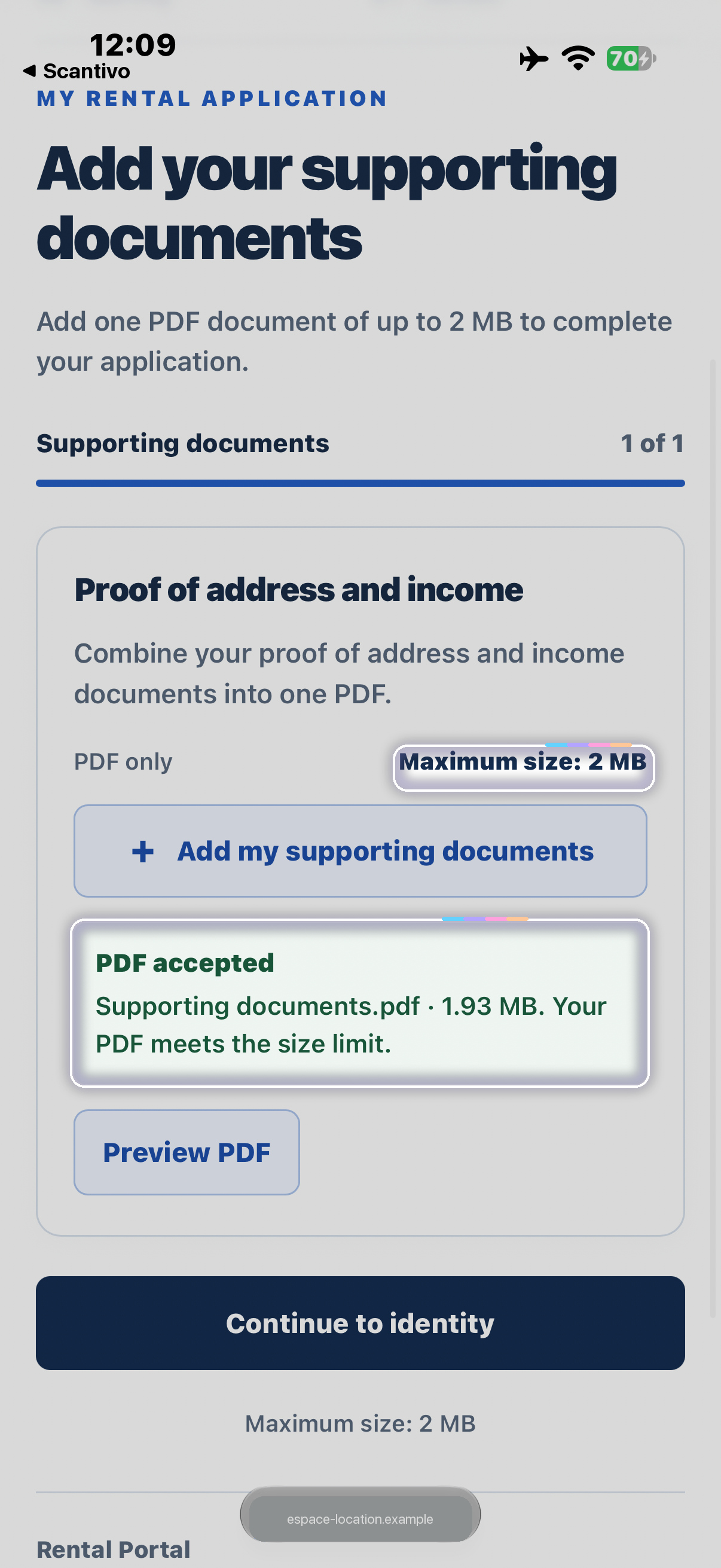
And that’s it
In this example, the PDF is accepted: 1.93 MB.
PRIVATE BY DESIGN
Your device prepares it. You control the upload.
Scantivo Smart Upload prepares the copy on your device, without sending your PDF to a server to reduce its size.
The website or storage service you choose receives the file when you provide it.
PrivacyFOR EVERY UPLOAD
Included with Scantivo Unlimited
Size reductions with no monthly limit. A one-time purchase, with no subscription.
Explore Scantivo UnlimitedThe free version and the trial share an allowance of 1 free size reduction per calendar month.
On iPhone, iPad and Android
Find your Scantivo PDFs in the file picker when you need to attach them.2
Notes
- For PDFs scanned with Scantivo and stored in “My Library”. Preparation depends on the document, the applicable size limit and a compatible setup. Size reduction and acceptance by the receiving website are not guaranteed. Your original remains unchanged; the quality or some elements of the copy may vary. Check the copy before sending it.
- Initial setup may be required. Size-limit detection depends on the browser, website and permissions you grant; you can also set the limit manually. The guide explains the steps and how the free allowance works. Read the guide